Marin
Neutral English · Neutral
Sample awaiting phone-test approval
Odette HQ answers as an AI receptionist for your business, asks what the caller needs and saves the details for your team. Here is the journey from the first hello to your next callback.
Turn the next unanswered call into a useful enquiry. AI Receptionist from $59/month before tax · 60 answered minutes.
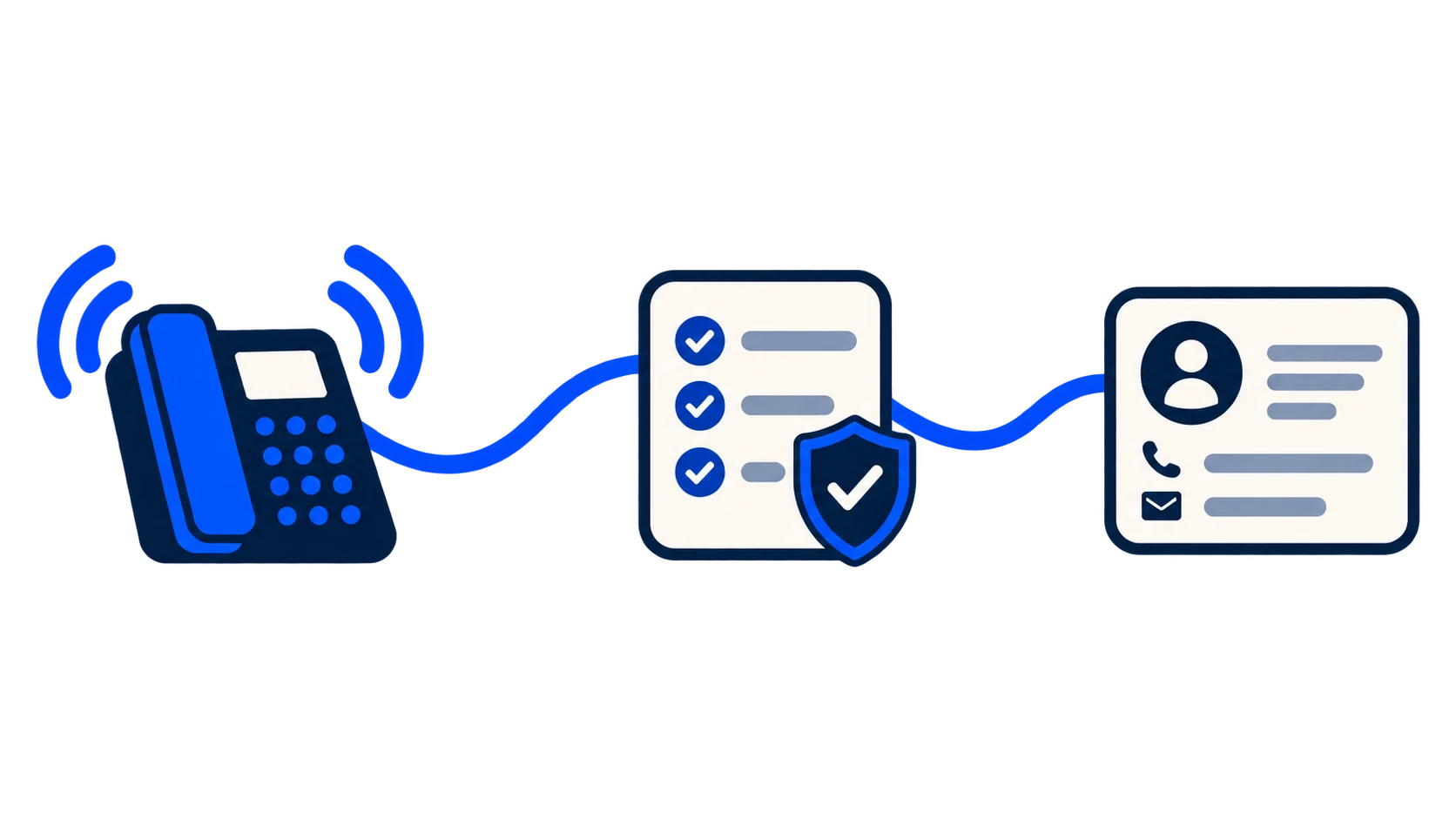
Reception that works around you
Sometimes you want the enquiry saved. Sometimes you want to hear who is calling before you decide whether to speak. Odette HQ brings those choices into the reception flow.
Screened put-through · final pilot testing
With screened put-through enabled on the pilot, an eligible caller who asks for a person waits while Odette HQ calls your configured phone and gives you a private brief: who is calling and why.
This flow is being tested on the supervised pilot line. It is not enabled on new customer lines yet. Message taking is the current customer reception mode; screened put-through must pass final call tests before wider release. Sales and unclear-purpose calls stay message-only in the pilot.
Make the service fit your business
Bookings, live order lookup and automatic outbound callbacks are not included. Your team makes the promised return call. Diversion rules and charges depend on your phone provider.
Compare plans, included minutes and what is available →Use the number assigned to your service, or configure forwarding from your existing provider where supported.
Your approved greeting includes the business name and identifies the receptionist as an AI assistant.
Your receptionist asks why the caller is calling and captures the relevant contact details. It checks unclear details rather than treating a guess as fact.
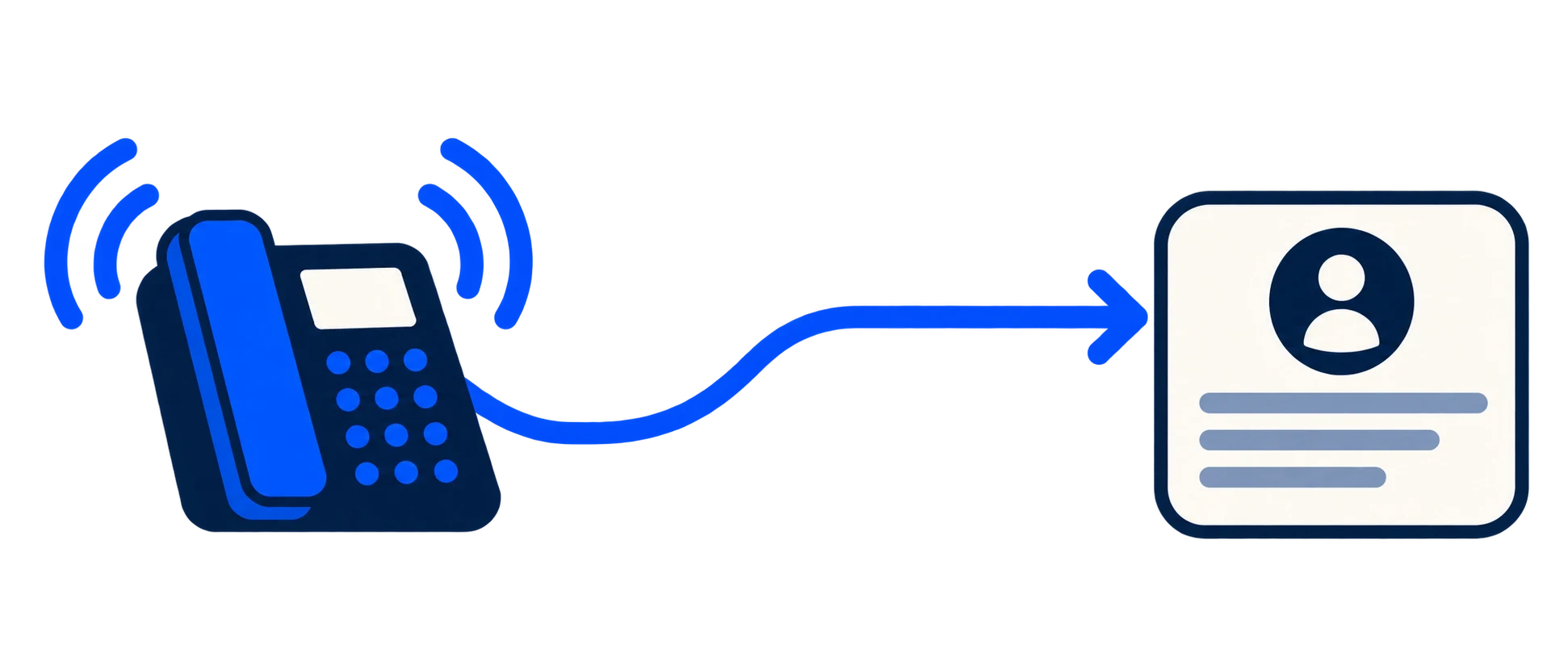
Your receptionist saves the caller’s details in your dashboard and emails the enquiry to your chosen inbox. If the caller provides an email address, they can receive a short acknowledgement; it does not contain the full enquiry or transcript. Putting a caller through to your team is still in pilot testing and is not available on new customer lines. On Direct, calls forward to your chosen phone instead, without AI message taking.
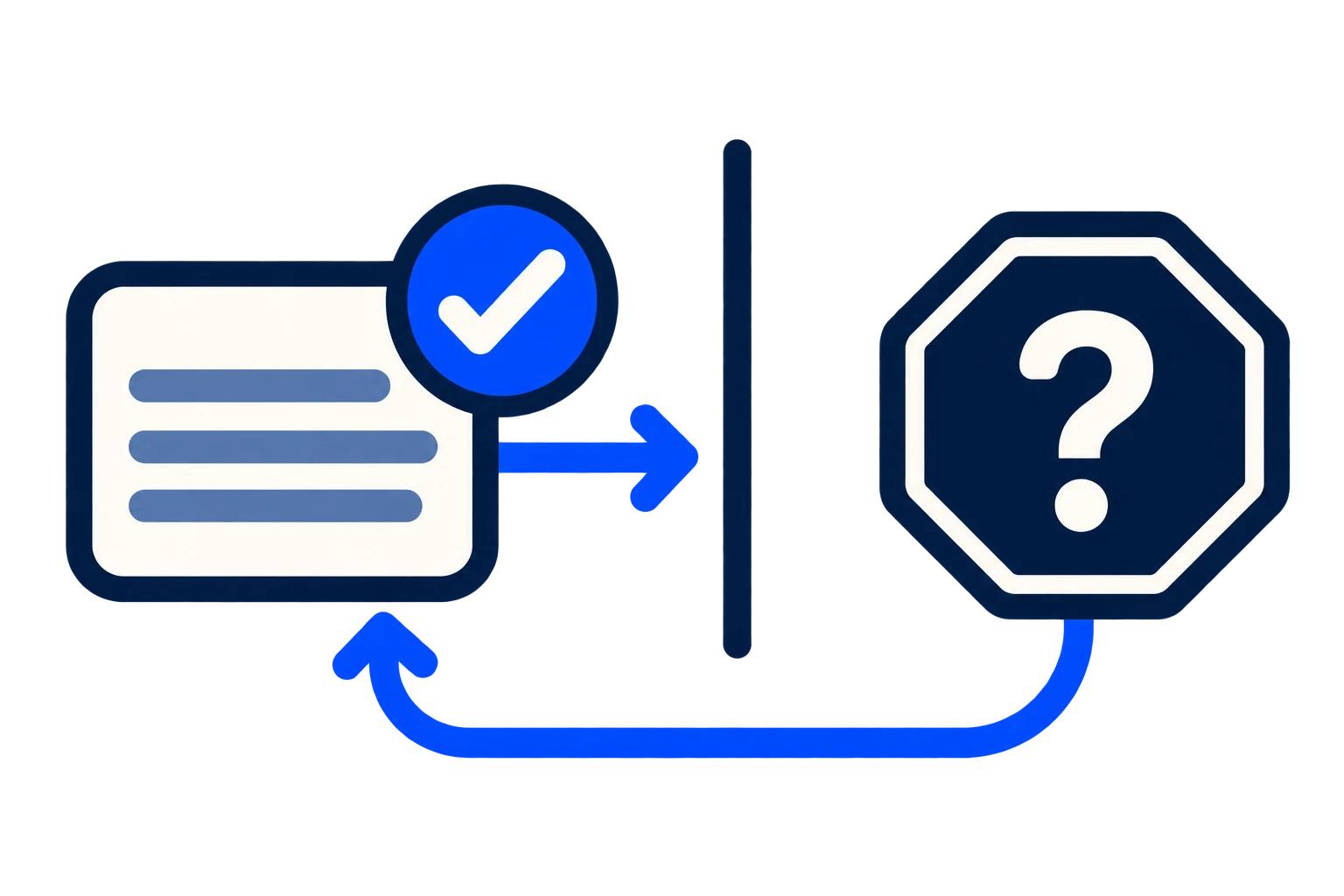
Choose your receptionist name, spoken business name and regional English voice. Prepare and listen to your actual introduction before applying it. Select a verified enquiry inbox and supported failure fallback in your number country. Set your team’s working hours, timezone and dates closed; outside that schedule, reception takes messages without ringing your team. Search call history, open saved details and mark enquiries handled. Export today, this week or custom dates to CSV. Your business summary guides enquiry collection once reviewed and applied; your team handles business decisions.
The receptionist gathers the reason for calling and contact details. Your team confirms bookings, checks orders and makes business decisions. Screened put-through, where enabled on the pilot, offers a private briefing before a person accepts or offers a callback. It does not make an automatic outbound callback.
Keep human handling for decisions, sensitive situations and anything outside the approved brief. Do not rely on an AI receptionist for emergency or regulated advice.
Make the first hello fit your business
Choose a voice style in setup, alongside your receptionist’s name and pronunciation hints. UK customers can explore British or other English styles; US and Canadian customers can explore North American or Southern US styles.
Voice style is independent of your phone number’s country. Number buying currently supports eligible UK local numbers only.
No voice matches those filters. Choose another regional style or presentation.
Matching voice samples are published after their final phone test. A sample lets you hear the voice; a real test call checks how it handles your business’s enquiries. Not every regional style has every presentation.
Ask about the voice for your business →How call handling is controlled
Choose how your business sounds, where enquiries go and who follows up. Message taking is the customer service today; screened put-through adds a private team briefing and a choice to accept or offer a callback on the supervised pilot.
Choose the receptionist name, regional voice and spoken business name. Listen to your actual introduction before applying it. The opening clearly introduces it as AI.
In the screened put-through pilot, hear the caller’s details privately, accept the call or offer a callback time. The receptionist returns your response to the caller. This is not enabled on new customer lines yet.
Search your call history, read saved details and track follow-up in your dashboard. Download daily, weekly or custom-date CSV reports. Notifications go to your verified inbox.
Your next step
Choose the AI plan for enquiry capture. Keep decisions and customer follow-up with your team.