Check whether your current provider supports busy, unanswered, out-of-hours or all-call forwarding. Record the condition and any ring delay.
Set up overflow without losing control of the call.
Overflow answering should cover a defined situation. Start by deciding which calls reach the service and how to restore your original setup.
Turn the next unanswered call into a useful enquiry. AI Receptionist from $59/month before tax · 60 answered minutes.

Choose the trigger.
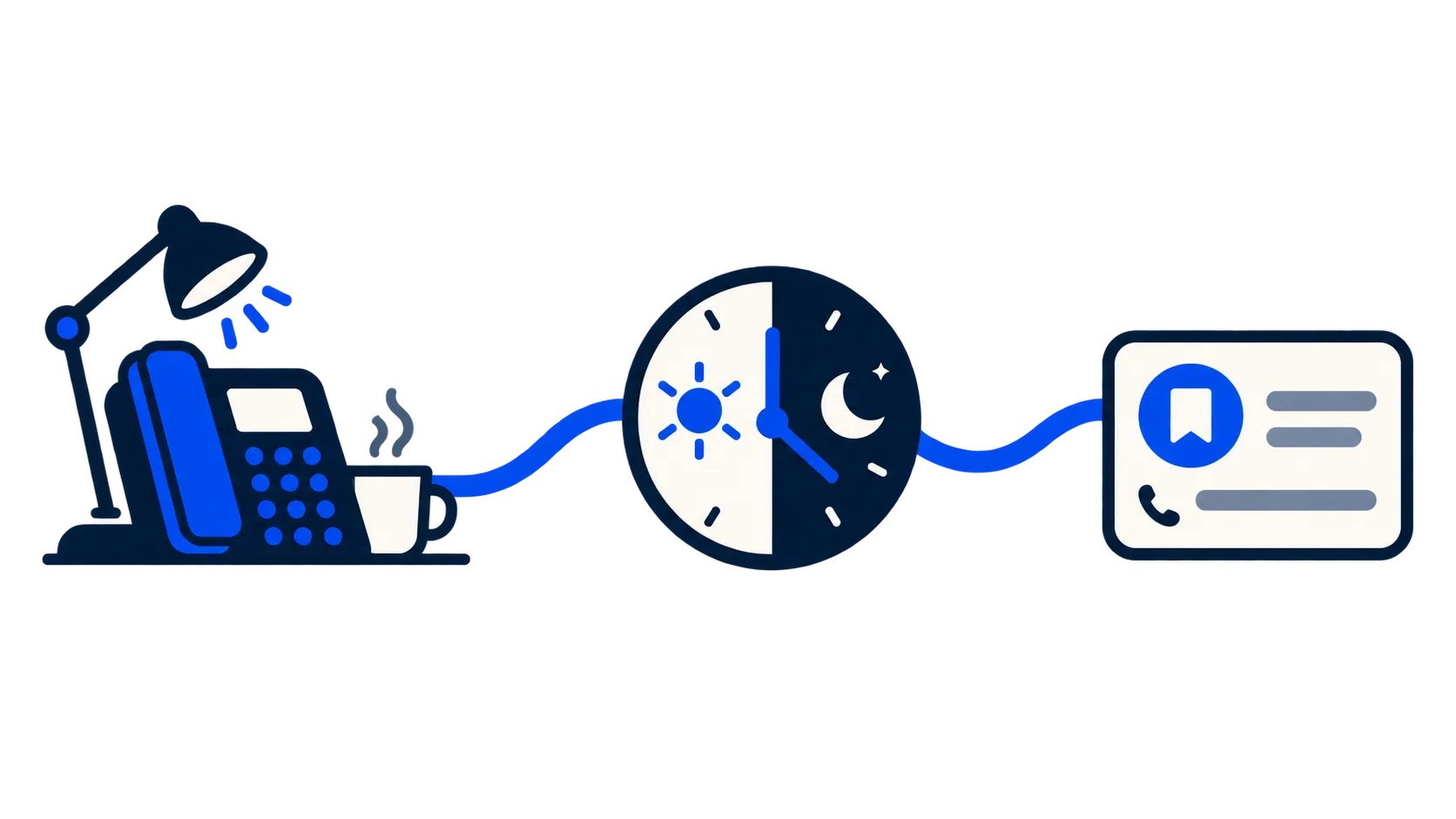
Confirm costs and eligibility.
Your original provider may charge for the forwarded leg of the call. The destination service may have separate usage rules. Check both before switching.
Test from outside your own setup.
Use a separate phone to call the published business number. Trigger the selected condition and confirm the greeting, capture and saved enquiry.
Test a failed hand-off.
Use a safe test environment to check unavailable destinations and fallback. A route that only works when everyone answers is not a complete setup.
Keep a reversal record.
Save the original settings and the exact provider-supported method to remove the diversion. Do not publish unverified keypad codes as universal instructions.
Diverting is not porting.
Call diversion sends calls from your existing number to another destination under your current provider’s settings. Porting keeps a number when you change provider. Check the specific provider’s eligibility, charges and reversal process before changing either route. Do not assume number porting is included with Odette HQ.
Your next step
Start with one forwarding condition.
Check your provider first, then choose the reception service for the calls you cannot take. Test the route and its reversal before changing customer traffic.