The service may take a message at night while your team replies during working hours. Use your actual response policy; do not let the assistant invent one.
An after-hours answer needs a clear next step.
Capturing an enquiry outside working hours can help a business respond later. It must not imply that a person is available immediately.
Turn the next unanswered call into a useful enquiry. AI Receptionist from $59/month before tax · 60 answered minutes.
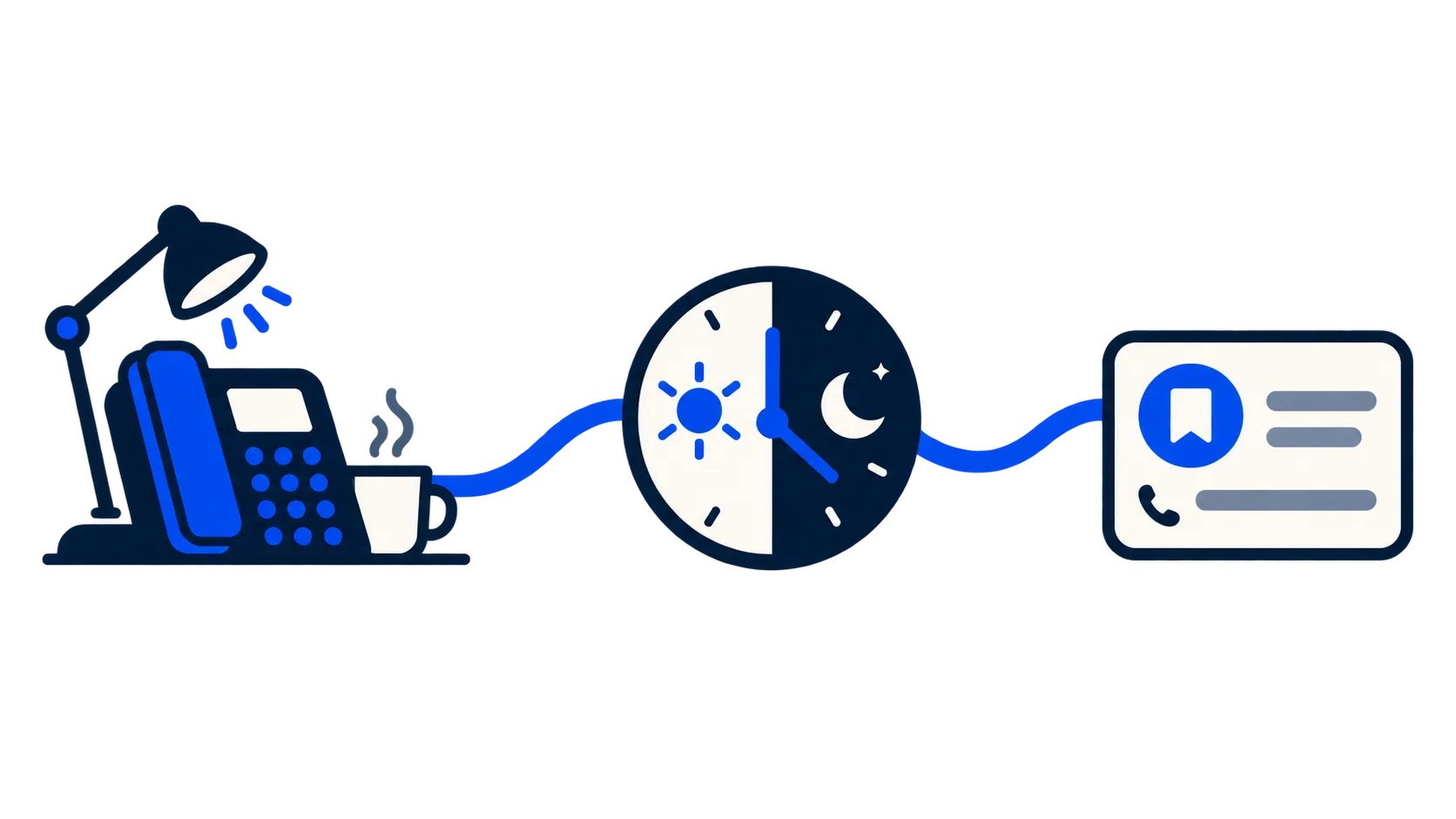
State the difference between answering and response.
Collect information that will survive until morning.
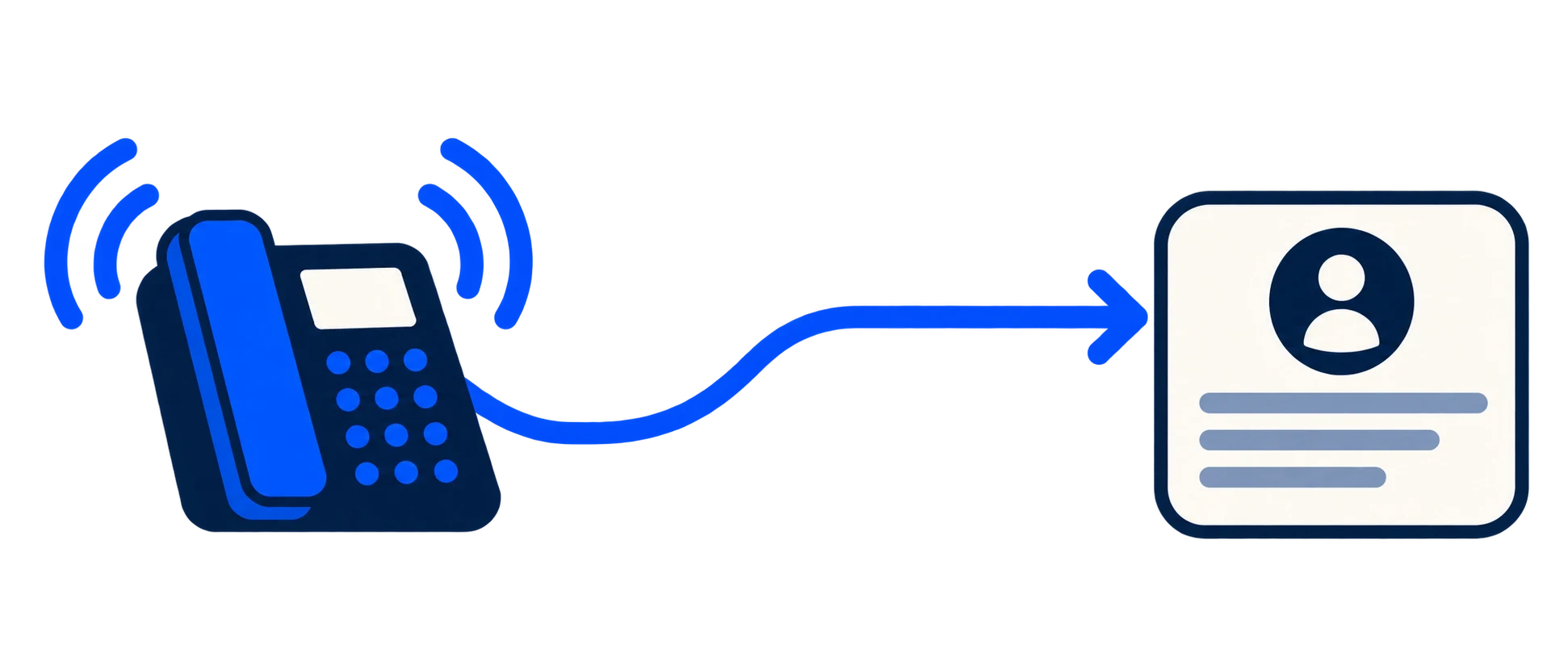
A name, callback contact and concise reason usually help more than a long unstructured conversation. Ask for task-specific references only when useful.
Give urgent situations a real route.
An ordinary enquiry queue is not an emergency service. Use an approved message and an appropriate staffed destination where your business requires one.
Test holidays and time zones.
Check opening hours, daylight-saving changes and exceptional closures. Store a named time zone, not a permanently hard-coded offset.
Review the morning workload.
Make new enquiries easy to find and mark handled. An answer only becomes useful when the business can take responsibility for follow-up.
Your next step
Give the morning team something to act on.
Capture the caller’s enquiry outside your working hours without promising an immediate human response.